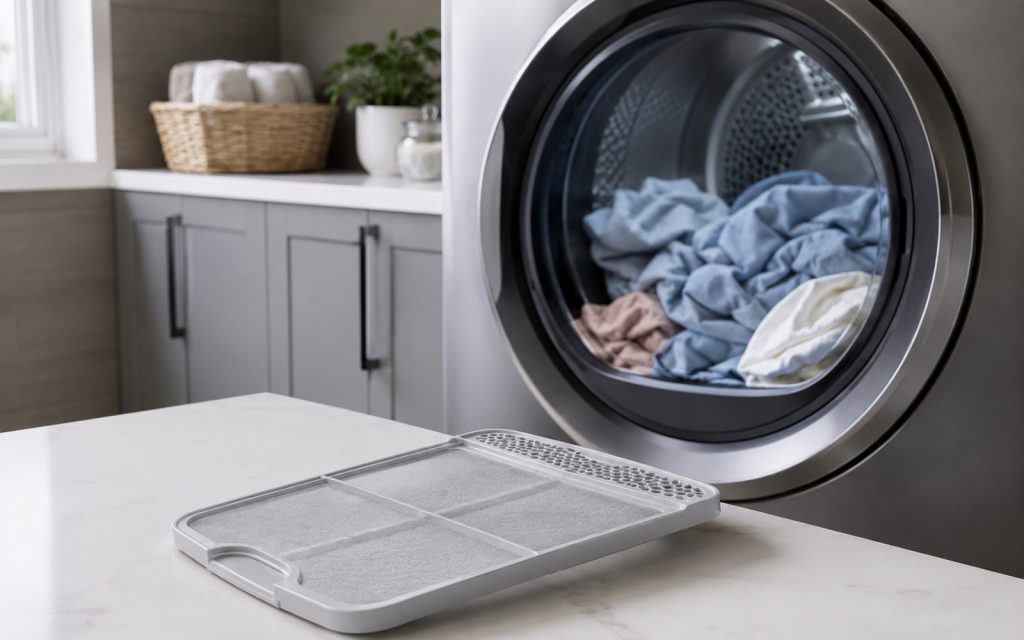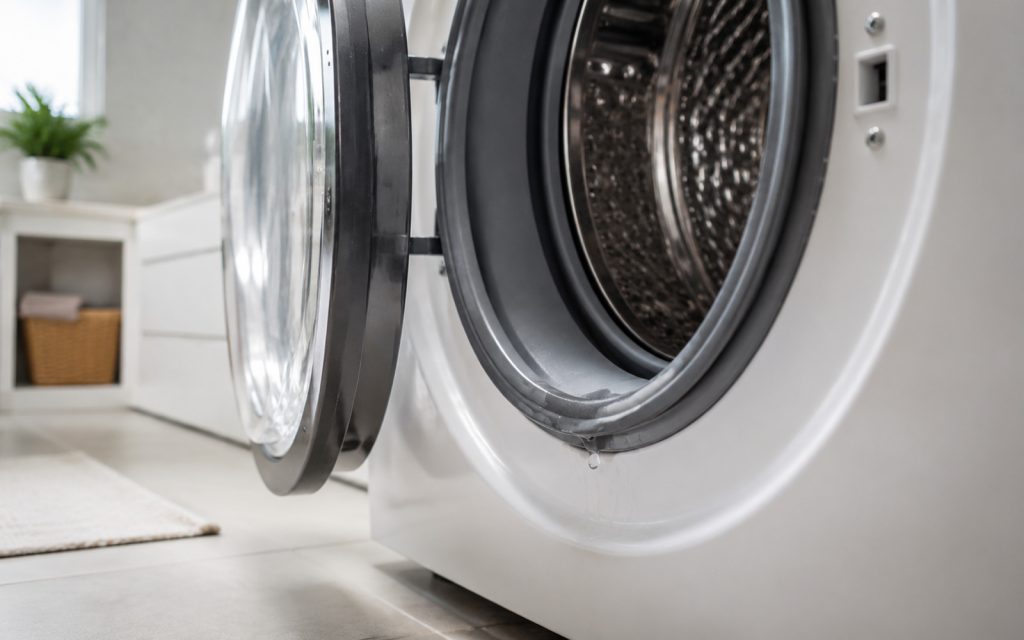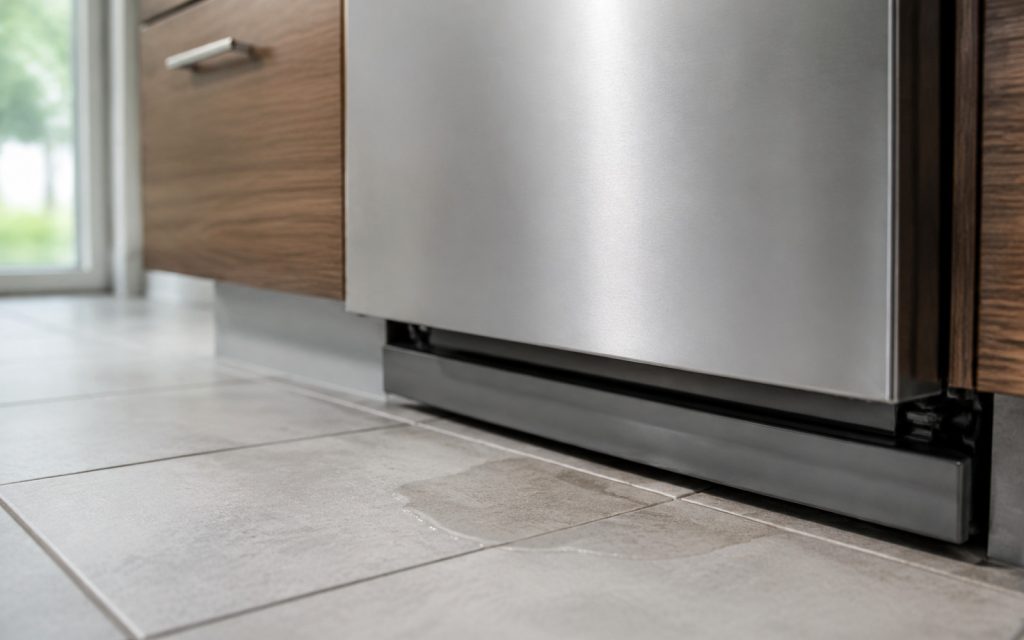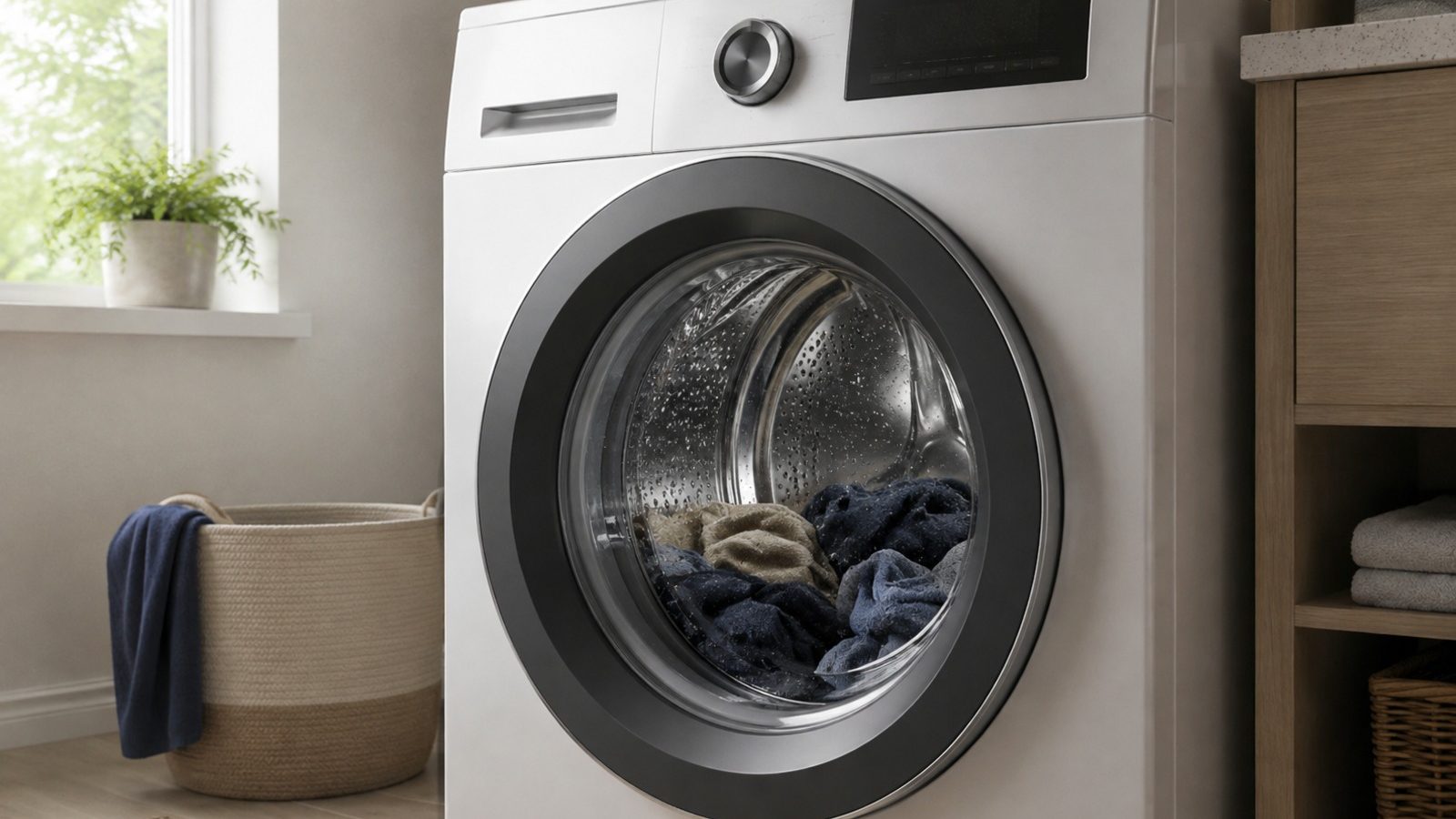

A paused wash can be related to load balance, filling, or drainage. Start safely.
A washer that stops mid-cycle is usually reacting to something specific: an unbalanced load, a drain it cannot clear, or water it cannot fill. Note the stage where it stops, redistribute the load, and check the accessible filter and taps. If it stops at the same stage after one controlled test, book a diagnosis rather than restarting repeatedly.
When a washer quits partway through a load, the whole laundry routine stalls with it. The stopping point alone cannot name a faulty part, so begin with checks that are safe to do, can be repeated, and would give a technician something solid if a visit becomes necessary.
Washing-machine upkeep and anything needing meters or disassembly are different jobs. Never defeat the door lock, a cutout switch or an on-screen fault message simply to keep the drum turning. A few written notes now will speed up whatever diagnosis follows.
If the door opens without force, spread the laundry evenly and work out whether the washer froze during fill, drain or spin. Leave the machine where it normally stands and do not pry at panels, hoses or controls. Should a small adjustment change the outcome, confirm it with one ordinary cycle before deciding what the problem was.
A washer may halt a cycle to guard against an unbalanced drum, or because the expected water level or drain condition never arrives. Watch for a pattern: does it happen on every load, only with certain laundry or settings, or only once it has been running a while? Knowing that is worth more than pressing start again and again. Stopping at the identical stage each time tells you more than stopping at random.
| Where it stops | Likely cause | Safe check |
|---|---|---|
| Before spinning | Load out of balance | Spread the laundry out |
| Water left in the drum | Drain not clearing | Look at the accessible filter |
| While filling | Water not arriving | Make sure the tap is open |
The use-and-care manual for one KitchenAid front-load washer says drain pump filter clogs can stop draining and should be cleaned regularly: unplug the washer, drain it, and unscrew the filter. A washer that stops with water in the drum is a typical sign.
For top-load washers, a clogged drain hose, or one whose end sits higher than the manual allows, can stop draining and spinning. The standpipe height is something to compare with the manual.
The use-and-care manual shows where the controls are on your model, how to reach the filter and how often to service it. Clean only the parts it calls user-serviceable, stick to the cleaners it recommends, and put every removable piece back in exactly its designed position.
Prior to another attempt, take out anything blocking the drum or drain, split an especially heavy load, and confirm that water supply and door clearance are unrestricted. Resetting over and over is a bad habit: it can mask an on-and-off fault and leave water or pressure somewhere it should not be.
Safe to try
Leave to a technician
Overloading is another cause of stops listed in KitchenAid’s top-load manual, and a large load can cause a washer to pause to rebalance before spinning. Redistribute bulky items and wash heavy items in smaller loads.
Avoid forcing the door open on a washer that still contains water, and never remove water while the washer is powered.
If it stops at the same stage after one controlled test, book a visit instead of restarting it repeatedly.
If the simple checks leave the symptom untouched, owner-level work ends there. The wiring, heating circuits, pumps, motors, refrigerant lines, gas fittings and control boards inside the machine need proper meters and someone trained to confirm that a repair is safe.
Book service soon if the stops are becoming more frequent, the breaker trips, water pools near electrical components, there is a scorched or hot odor, a grinding sound is new, or a standard load cannot be completed. Once the washer displays a safety warning, stop running it.
Have the model number to hand, along with what exactly happens, the day it began, the program selected and what each check above revealed. A picture of an on-screen code or a short description of the noise helps too; just never remove a cover to obtain either.
Looking closely at what the washer does will not repair it, yet it is the sensible place to start. Work through the basics, keep any error details, and leave electrical, gas, sealed-system and deeper mechanical jobs with a qualified appliance technician.
The cycle may be unable to drain. A clogged drain pump filter or hose is a typical cause, and a drain hose set too high can do the same. Cleaning the accessible filter as the manual describes is a safe check.
Yes. KitchenAid lists overloading as a cause on a top-load model. Remove some items and rerun.
One restart can show whether the stop repeats. Repeated restarts can hide the cause, so record the stage and stop if it recurs.
Need help now? Visit our services page or contact us.
Official manuals and support notes are available on KitchenAid owner support.
Record the complete model number before you order any part; updated boards and sensors may mean a different part number fits.
A reset by cutting power once might clear a momentary glitch, but a code that comes back time after time suggests a physical cause.
Keep vents and filters unobstructed between visits, because restricted airflow can imitate an electrical or sensor failure.
If you spot water, smell something burning or see sparks, switch the washer off at its supply and book a professional inspection.
When the door can be opened safely, redistribute the load and check whether the machine is paused on filling, draining, or spinning.
Only if there is no burning smell, smoke, sparking, gas odor, water near electricity, or other safety warning. Otherwise stop and arrange service.
A tumbling drum with no heat may still be an airflow or setting issue — verify…
Front leaks on a KitchenAid washer often involve the door gasket, dispenser, or drain path —…
Door leaks often trace to detergent, loading, or gasket condition before any pump or tub repair.
Share a few details and we’ll confirm an appointment. Prefer to talk? Call us and we’ll help right away.
Fields marked with * are required.