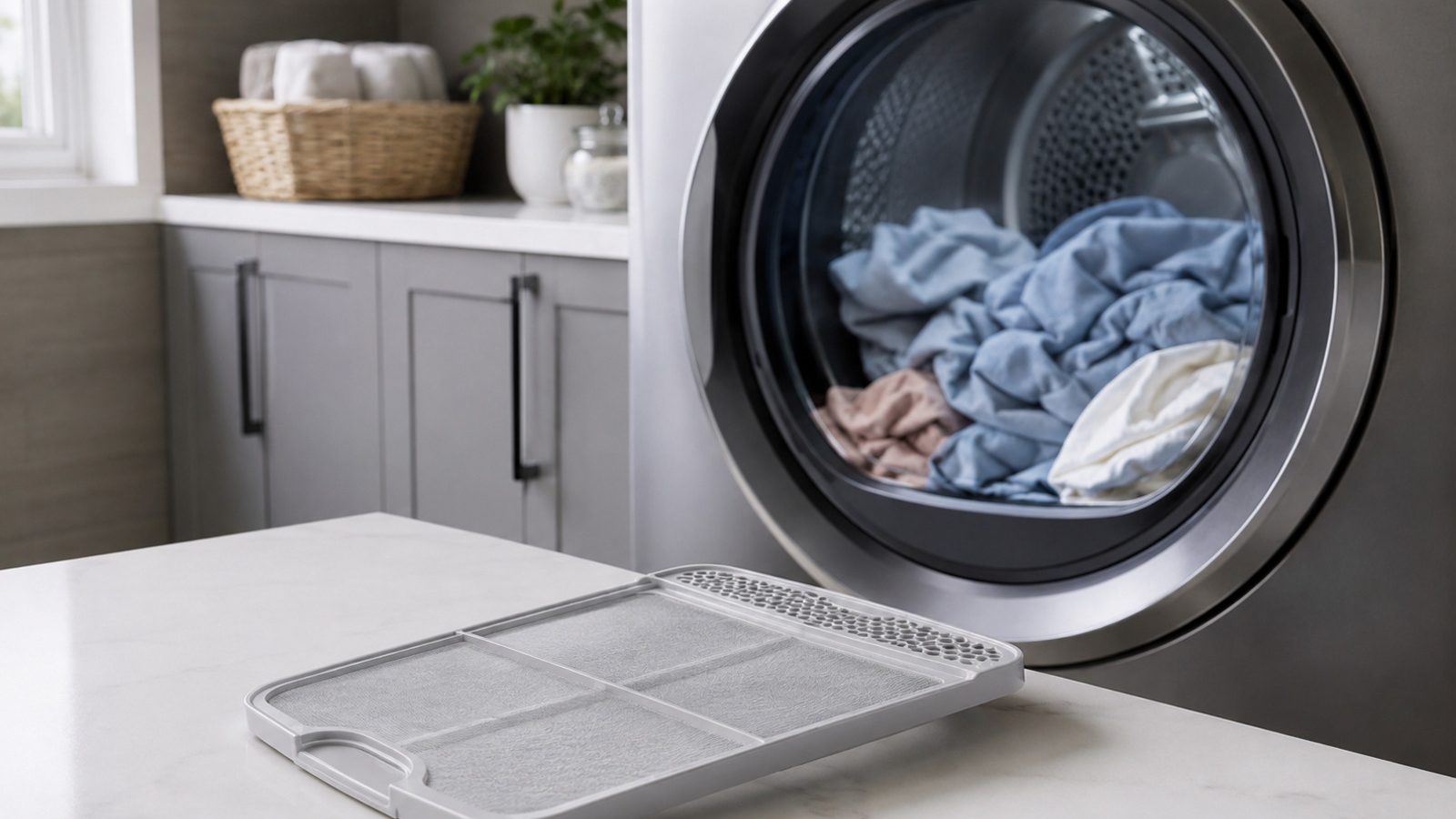

A tumbling drum with no heat may still be an airflow or setting issue — verify basics before assuming a heater failure.
A dryer that tumbles but does not heat is most often tied to airflow, the cycle choice, or the electrical supply to the heater, so check those in that order. Clean the lint screen, confirm a heat setting is selected, look at the visible vent for crushing, and on an electric model look at whether a breaker has tripped. If heat does not return after those checks, book testing rather than opening the dryer.
A KitchenAid dryer that tumbles without producing heat can upset a normal laundry routine. The symptom alone does not point to a failed part, so begin with observations that are safe, repeatable, and useful when you book a repair visit later.
The steps here keep ordinary care apart from anything that needs measuring or opening the appliance. A lock, safety switch or error message exists for a reason, so do not bypass it to keep the unit operating. Taking notes now helps whoever diagnoses the problem later reach the right answer sooner.
Make sure a heated cycle is chosen, the lint screen is clear, and the vent path is not flattened behind the dryer. Carry out the checks with the dryer in its normal place and never force panels, fittings or controls. When a simple change alters the result, run one ordinary cycle before judging. Also rule out an air-only or no-heat setting before you suspect a fault.
By design, some cycles use little or no heat, and a restricted vent can lead the controls to hold heat back for safety. Watch for a pattern: it happens each time, only on certain loads or settings, or once the dryer has been running a while. That observation is worth more than restarting the machine over and over.
| Symptom | Likely cause | Safe check |
|---|---|---|
| Tumbles, cool air | Cycle setting | Verify heat mode |
| Heat then stops | Vent restriction | Check vent hose |
| Never heats | Heater circuit | Book testing |
The older KitchenAid dryer manual used for these notes explains that electric dryers draw power through separate breakers or fuses. If only one trips, the drum can still turn while the heater has no power, which looks exactly like a heater failure. Looking at the panel is safe; if a breaker keeps tripping after a single reset, stop there.
On gas models the same manual points you to the gas shutoff valve for the dryer. Confirm it is in the open position, but do not touch the connections themselves. If you ever smell gas, leave the area and contact your gas utility.
The manual that came with the appliance explains how controls, filter access and upkeep intervals work on your model. Touch only the parts it marks as user-serviceable, use cleaning products it recommends, and refit anything you took out so it sits just as it did before.
Free up anything that is blocked, take weight out of a load that is heavier than usual, and make sure the water supply, the airflow and the space around the door are not held back before another run. Avoid resetting repeatedly, as that may mask a fault that comes and goes and can leave heat, pressure or water in the wrong place.
Safe to try
Leave to a technician
Lint on the screen, and a film left by fabric softener or detergent, lengthens drying. The older manual also lists low voltage and a very cold room as conditions that stretch drying times, so a dryer in an unheated space may seem to underperform in winter.
KitchenAid installation guidance calls for a rigid metal vent of the specified diameter, not plastic or foil, and warns that an exhaust run longer than the instructions allow collects lint and becomes a fire hazard. A quick airflow check is to run the dryer for a few minutes and hold a hand under the outside exhaust hood; weak airflow there points to the vent, not the heater.
If heat does not return after the lint, setting, vent and breaker checks, book testing. Leave the cabinet closed.
A symptom that survives the basic checks marks the end of what an owner should do. Pumps, motors, heating circuits, internal wiring, refrigerant lines, gas connections and control boards need correct test gear and a technician who can check that the repair is safe.
Arrange a visit quickly if things are getting worse, the breaker trips, water gets near electrical parts, you smell something hot or burnt, you hear new grinding, or normal cycles will not run to the end. Running the appliance through a safety warning is not an option.
Useful details for the technician include the model number, the exact behavior, when it started, the selected settings and your results from the safe checks. A snapshot of a code or a word picture of the noise can add to it, though no cover should be taken off to get one.
Good notes do not stand in for a repair, but they are the right first step. Handle the simple conditions, keep the useful error details, and let a qualified appliance technician take on the electrical, gas, sealed-system and internal mechanical work.
Weak airflow is a frequent explanation. When the vent is restricted, the dryer’s safety controls can limit heat, so clothes get only mild warmth. Clear the lint screen, check the visible vent, and confirm the outside hood opens as air flows.
On electric models, yes. The manual for one KitchenAid dryer describes separate breakers or fuses, and if one is off the drum can still run. Reset a tripped breaker once at most; if it trips again, leave it and book service.
Running it repeatedly with a blocked vent is not a good idea, since lint buildup is a fire hazard. Stop, clear the lint screen and visible vent path, and run a short test before deciding whether to book diagnosis.
Need help now? Visit our services page or contact us.
Official manuals and support notes are available on KitchenAid owner support.
Before buying a part, write out the entire model number. Which part number is right can shift with board and sensor revisions.
Resetting power a single time can take care of a temporary fault, whereas a code that keeps returning generally signals a physical cause.
Check that filters and vents remain open between visits, as airflow that is restricted can mimic a failed sensor or electrical part.
Sparking, a burnt smell or water present around the appliance are reasons to stop using it and call for a professional inspection.
Confirm a heat cycle is selected, the lint screen is clean, and the vent path is not crushed behind the machine.
Only if there is no burning smell, smoke, sparking, gas odor, water near electricity, or other safety warning. Otherwise stop and arrange service.
Door leaks often trace to detergent, loading, or gasket condition before any pump or tub repair.
Front leaks on a KitchenAid washer often involve the door gasket, dispenser, or drain path —…
Low flow and drips after use often relate to filter, supply, or pressure — not always…
Share a few details and we’ll confirm an appointment. Prefer to talk? Call us and we’ll help right away.
Fields marked with * are required.