
Long preheat times and underbaked results may trace to use, mode, or a component that needs testing.
An oven that does not reach its set temperature has either a use-related cause, such as mode, racks, foil or door openings, or a heating or sensor fault. Confirm the mode, allow a full preheat and keep the door closed. If a full preheat still falls well short, or the shortfall grows, book testing rather than adjusting the oven further.
An oven in a KitchenAid range that falls short of its set temperature spoils the day’s cooking plans. One symptom cannot single out a bad part, so start with observations that are safe, repeatable and helpful if you later book a visit.
Keep routine upkeep separate from jobs needing testing or disassembly. Never defeat a control lock, a cutout or a displayed fault just to keep the oven heating. Notes taken now let the eventual diagnosis go faster and land more accurately.
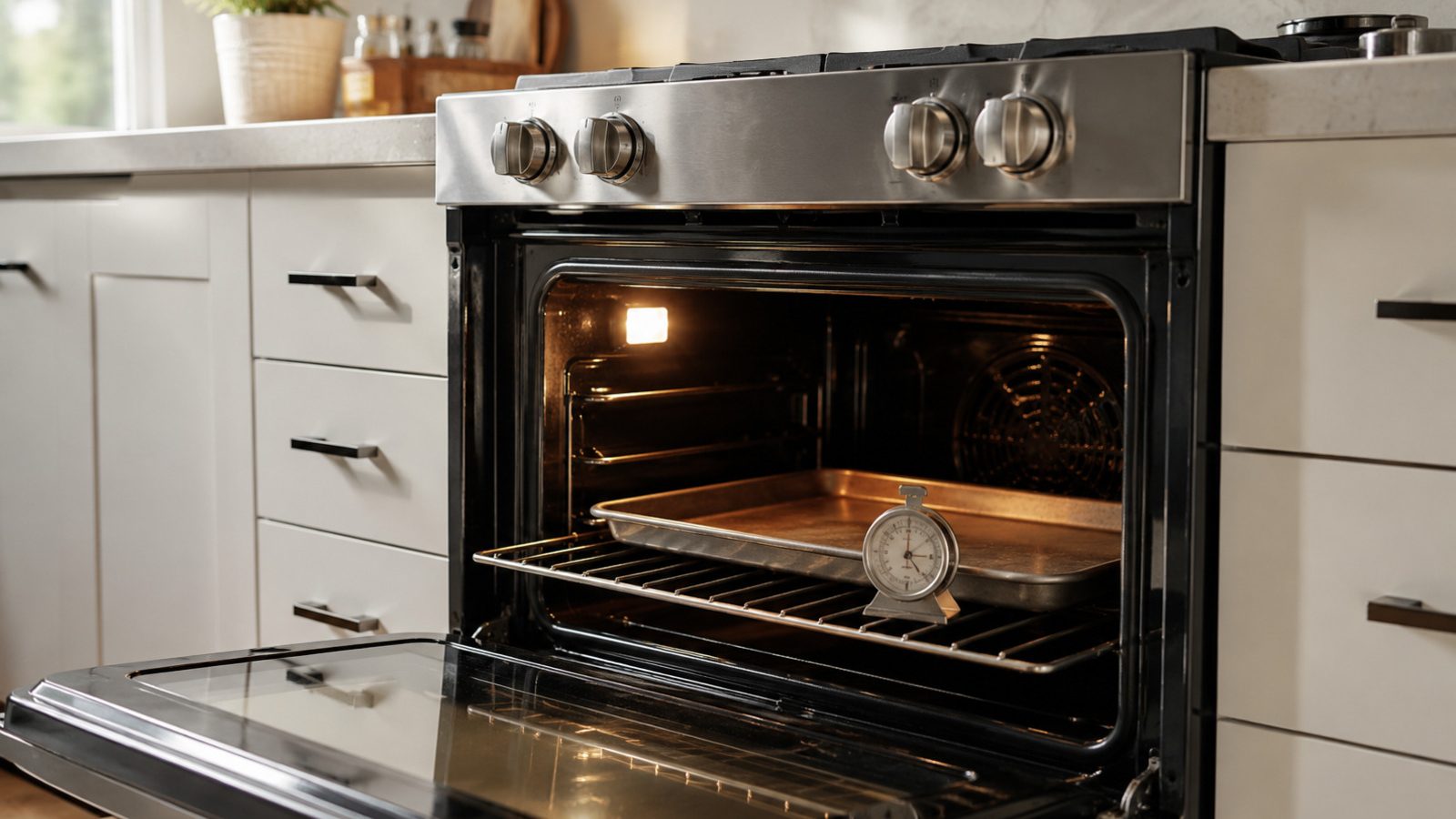
Verify the right mode is selected, give the oven a full preheat, and if you use an oven thermometer, read it through the door glass without covering any vents. Leave the range in its usual position and force no panel, fitting or control. If a small change alters the result, run one normal bake before judging.
Big items, frequent door openings or convection switched off can look like a temperature fault in an oven that is actually fine. Try to notice a pattern: every bake, only with a particular mode, or only once the oven has been running a while. That helps more than restarting the oven again and again. Foil across a whole rack can look like a heating problem because it blocks airflow.
| Symptom | Likely cause | Safe check |
|---|---|---|
| Slow preheat | Large cavity load | Reduce batch size |
| Always underbakes | Mode or rack | Verify mode and rack |
| Large gap vs setpoint | Sensor or heat circuit | Book testing |
KitchenAid explains that a temperature offset can often be corrected through the control’s calibration setting, which makes small adjustments in steps. They advise against judging the oven with a kitchen thermometer, since placement and door openings skew the reading, and against large calibration changes at once.
Calibration matters when the oven heats consistently a little high or low. It does not help if the oven struggles to heat at all, which points to the sensor, an element or the control. The oven temperature sensor should sit squarely at a right angle to the back wall, which is a visual check only when the oven is cool.
Model-specific controls, access to parts and upkeep intervals are laid out in the use-and-care manual. Clean only the parts it lists as user-serviceable, rely on the cleaners it recommends, and fit every removable part back the way it was designed to go.
Ahead of another bake, clear obstructions, remove extra racks or heavy pans, and be sure airflow and door clearance are open. Avoid frequent resets: they may hide an intermittent fault and leave heat or pressure where it should not be.
Safe to try
Leave to a technician
Foil spread over a whole rack or the oven floor can disturb airflow and heating, and unused racks add mass. On models with an exposed bake or broil element, a visual check with the oven off and cool can show breaks or blisters in the element.
Broil will not run with the door open on some models, and control lock or delayed start can also stop heating. If a gas oven is clicking and sparking, that is the igniter working as designed; no flame means stop and book service.
If a full preheat still falls well short, or the shortfall grows, book testing instead of adjusting the oven further.
Once the basic checks leave things unchanged, stop at the end of owner-level work. Wiring, heating circuits, sensors, motors, refrigerant lines, gas connections and control boards inside the range need proper instruments and a technician who can verify that the repair is safe.
Book service soon when the oven keeps slipping further from its setting, the breaker trips, water collects near electrical parts, a scorched or hot odor appears, a new grinding noise starts, or a normal bake cannot be finished. Stop using an oven that shows a safety warning.
Report the model number, what exactly happens, when it began, the modes and settings used, and what each check above showed. A picture of an error on the display or a brief note on a sound can help, but no cover should be removed to capture either.
Looking carefully is not a substitute for repair, though it is a good way to begin. Cover the simple conditions, hold on to any useful error information, and pass electrical, gas, sealed-system and deeper mechanical jobs to a qualified appliance technician.
If the oven heats steadily but a little off, calibration can help. It will not fix an oven that cannot reach the setpoint. Follow your manual’s steps for your model.
KitchenAid support lists 208V versus 240V supply as one reason for longer preheat on electric ovens. It is a building-level factor, so ask a technician or electrician to evaluate it.
KitchenAid advises against using a kitchen thermometer to judge calibration. Use it for rough baking guidance only and rely on the manual for calibration steps.
Need help now? Visit our services page or contact us.
Official manuals and support notes are available on KitchenAid owner support.
Take down the full model number before ordering any part, because newer sensors and boards can change which number is right.
Power reset once, and a temporary fault may clear; the same code showing up repeatedly typically means a physical cause persists.
Between visits, keep the oven’s vents unblocked and any filters clean, since reduced airflow frequently looks like an electrical or sensor failure.
When water, a burning smell or sparking is present, stop using the oven and have it inspected by a professional.
Confirm the correct mode is selected, allow a full preheat, and use an oven thermometer only through the door glass without blocking vents.
Only if there is no burning smell, smoke, sparking, gas odor, water near electricity, or other safety warning. Otherwise stop and arrange service.
A tumbling drum with no heat may still be an airflow or setting issue — verify…
Door leaks often trace to detergent, loading, or gasket condition before any pump or tub repair.
Front leaks on a KitchenAid washer often involve the door gasket, dispenser, or drain path —…
Share a few details and we’ll confirm an appointment. Prefer to talk? Call us and we’ll help right away.
Fields marked with * are required.