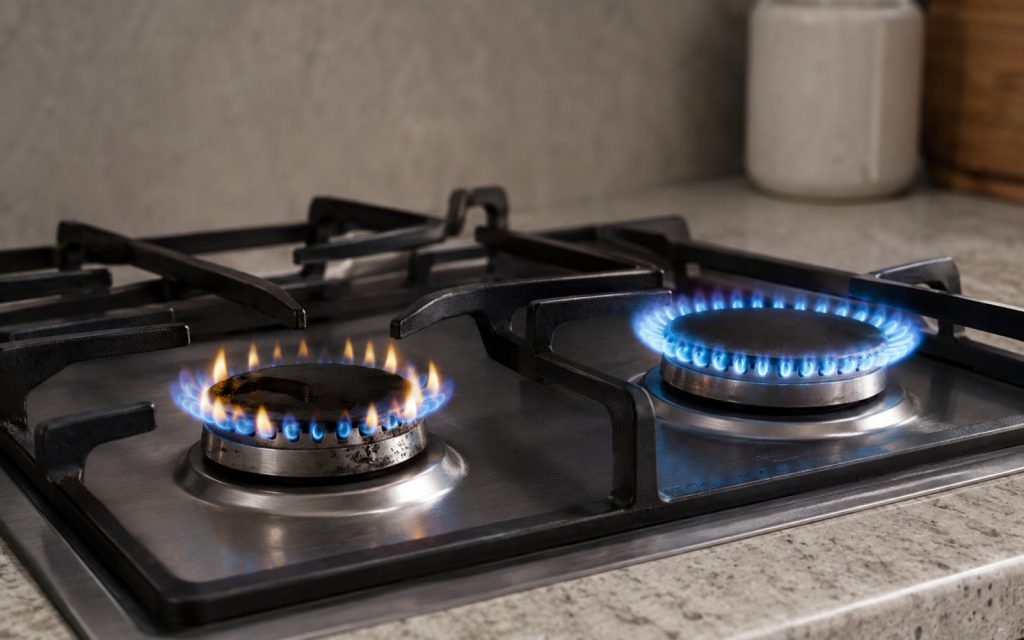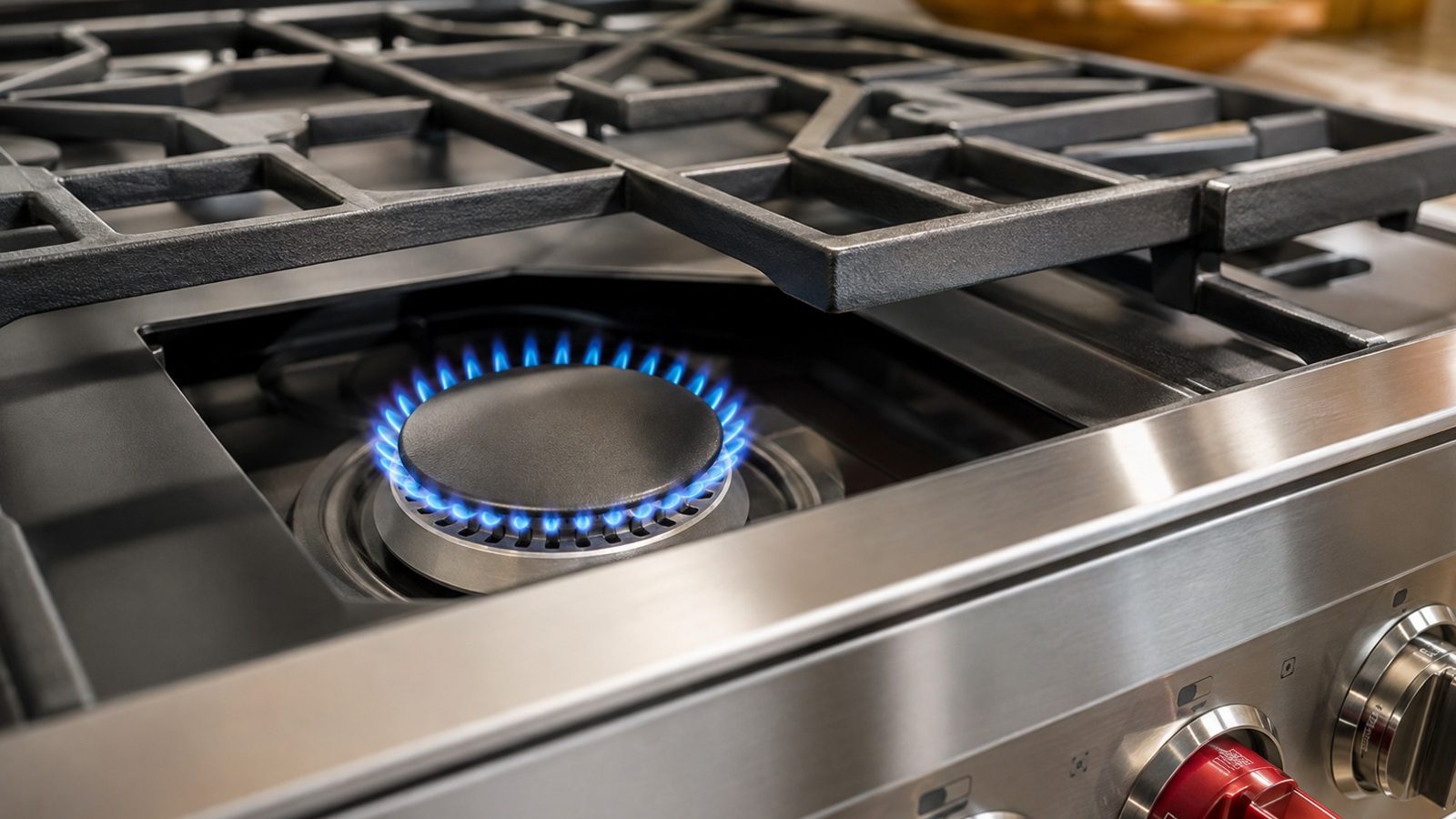

Ignition clicks without flame, weak flames, and one dead burner often have straightforward causes on professional ranges.
When a burner will not ignite, start with the parts you can see: the cap and base seated correctly, ports free of spills, everything dry, and the grate level. If the igniter clicks but there is no flame on one burner, a blockage or misaligned cap is the usual place to look. If every burner fails, or you smell gas, stop and book a diagnosis.
One burner on a KitchenAid range refusing to light can disrupt cooking for the whole household. The symptom alone does not point to a failed part, so open with checks that are safe, repeatable and useful should you schedule a repair visit.
Routine upkeep and anything needing testing or disassembly should stay in separate categories. Do not defeat a control lock, a cutout or a displayed fault just to keep the range working. Notes written at this stage help the technician diagnose faster and more accurately.
Check that the burner cap and base sit correctly, the grate is level and the control is set to ignite before you turn the knob. Keep the range in its normal position and force no panel, fitting or control. If a small adjustment changes the result, try one normal ignition before reaching a conclusion.
Food spills, damp parts after cleaning or a cap out of alignment can cut gas flow to a single burner while the rest work as normal. Watch for a pattern in when it happens: every time, only with a certain setting, or only after some use. That tells you more than clicking the knob over and over. A cap that wobbles when pressed is not seated and can prevent ignition.
| Symptom | Likely cause | Safe check |
|---|---|---|
| Clicks, no flame | Port restriction | Clean visible ports |
| Weak yellow flame | Cap misalignment | Reseat cap and base |
| All burners fail | Supply or igniter | Book diagnosis |
A burner that clicks shows that the spark system is receiving power and trying to light, so the question becomes whether fuel is reaching the burner. That is why KitchenAid’s guidance for burners that click but do not light focuses on ports, caps and moisture rather than on the spark module.
No click at all points somewhere else, such as a control lock on models that have one. Check the manual for how your cooktop’s lock works before suspecting a fault.
Your use-and-care manual covers controls, access to parts and upkeep intervals for your model. Clean only parts it describes as user-serviceable, use the cleaners it recommends, and return each removable piece to the position it was designed for.
Prior to another attempt, clear off anything in the way, take away heavy cookware and make sure ventilation and clearance around the burners are open. Repeated resets deserve avoiding: they can conceal an intermittent fault and leave heat or gas pressure where it does not belong.
Safe to try
Leave to a technician
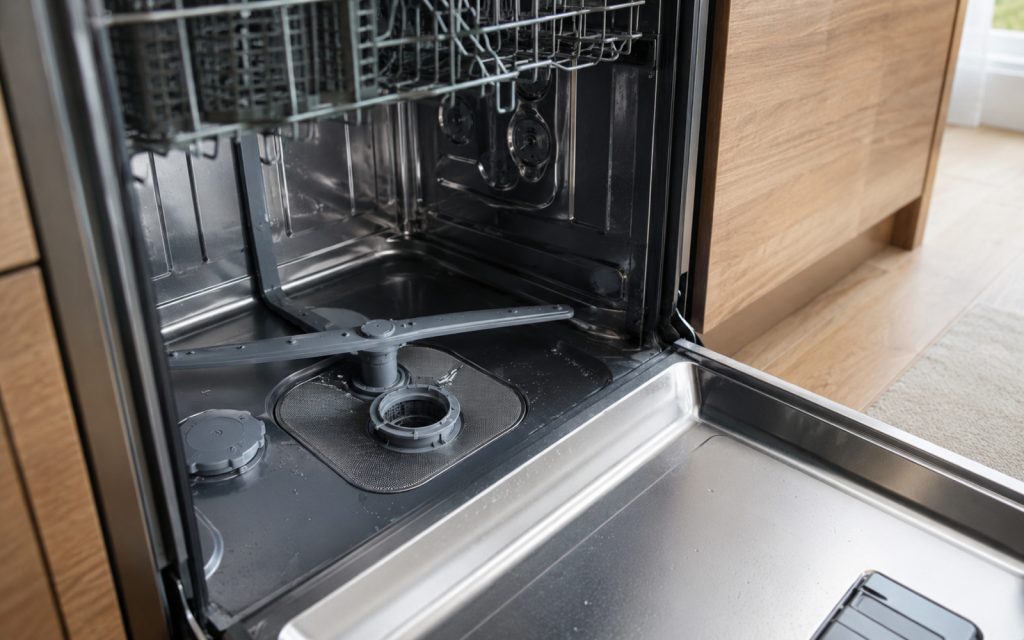
KitchenAid advises clearing blocked ports with a straight pin or needle, not a wooden toothpick, and keeping burner parts out of the dishwasher. A burner that was just washed needs to be fully dry before it will light reliably.
On a newly installed or reconnected range, air in the gas lines can delay lighting until it is bled out by running a burner. That should be done as the installation instructions say, by whoever performed the connection.
If every burner fails to ignite, or you smell gas, stop and book a diagnosis. One burner failing points first to a blockage or misaligned cap.
If the simple checks leave things as they were, owner-level work ends there. Internal wiring, igniter and heating circuits, refrigerant lines in other appliances, gas connections, valves and control boards need proper instruments and a technician trained to confirm that the repair is safe.
Schedule service promptly if the problem is worsening, the breaker trips, water collects near electrical parts, a scorched or hot odor shows up, a new grinding noise begins, or the range cannot complete normal use. A safety warning means the appliance should not stay in operation.
Tell the technician the model number, the symptom in precise terms, when it started, which settings were in use and how the safe checks above went. A photo of a displayed code or a quick description of a sound can assist, though no cover should ever be taken off for it.
Observing is no replacement for repair, yet it is a sound first move on a burner that will not light. Take care of the simple conditions, keep any error details, and pass electrical, gas, sealed-system and deeper mechanical jobs to a qualified appliance technician.
Clicking means the spark is working. The cause is usually something affecting gas flow or ignition at the burner: blocked ports, a misaligned cap or damp parts. If cleaning and reseating do not help, book a diagnosis.
Do not improvise. Some manuals describe a manual lighting method, but only follow it if your manual does. If you smell gas, leave the area and contact your gas utility.
KitchenAid guidance recommends a straight pin or needle instead of a wooden toothpick. Never put burner parts in the dishwasher.
Need help now? Visit our services page or contact us.
Official manuals and support notes are available on KitchenAid owner support.
Jot down the complete model number ahead of ordering parts; revised boards and sensors can alter the part number that applies.
A single power cycle can clear a brief fault, but the same code returning repeatedly usually points to a physical cause.
Keep the range’s vents and filters clear in the time between visits, since limited airflow tends to imitate electrical or sensor trouble.
With water, a smell of burning or sparks around the range, stop cooking on it and book a professional inspection. If you smell gas, leave the area.
Before buying any part, confirm and record the entire model number, as board and sensor revisions may determine which part number is correct.
Switching power off and on once can resolve a temporary glitch; when an identical code reappears, expect a physical cause behind it.
Blocked vents and dirty filters can pass for electrical or sensor failures, so keep them clear while waiting for a visit.
Sparking, a burning odor or water around the range means stop using it and call for a professional inspection.
Confirm the burner cap and base are seated correctly, the grate is level, and the control is set to ignite before turning the knob.
Only if there is no burning smell, smoke, sparking, gas odor, water near electricity, or other safety warning. Otherwise stop and arrange service.
Flame color and shape changes on gas cooktops can signal cleaning needs or a supply issue…
Large cavities and hidden elements can make preheat feel slow — learn what is normal and…
Musty or food smells usually come from filters, standing water, or loading habits — not a…
Share a few details and we’ll confirm an appointment. Prefer to talk? Call us and we’ll help right away.
Fields marked with * are required.